You list a property and suddenly you have four jobs: the portal description, the Instagram caption, the PDF you send the client and, if there is time left, a Reel. The same data typed into four places, each one in its own tool. An AI property listing description solves the writing part in seconds, but one part can never come out of a model: the floor area, the price and the energy rating.
Straight away, so you know where we stand: SnapHouse is ours. It is the real estate marketing software we build at Hipnosia, and we use it for the walkthrough because it is the one we know from the inside. Everything else here, what AI can do and what you have to check yourself, applies just as well if you use another tool or write with ChatGPT directly.
What a good listing has to contain
Before you think about tone, there is the part that is not optional. In Spain, where we work, Royal Decree 390/2021 states in article 15.2 that the energy efficiency label must appear in every offer, promotion and advertisement for the sale or rental of a building. It is not a footnote: it goes in the ad itself. Article 17.2 adds that a registered copy of the certificate is attached to the sale contract, and a copy of the label to a rental contract. Most European markets have an equivalent rule, so check yours before you publish.
Then come the facts the buyer will verify anyway, so they may as well be right from the start:
- Built area and usable area. They are not the same and the gap shows. If you only give one, say which.
- Price, and what it includes. Whether parking or storage is part of it or sold separately.
- Land registry reference, year of construction and actual condition.
- Service charges and property tax, if you know them. It is the first question any serious buyer asks.
- Aspect, floor level and whether there is a lift. Three things photos never show and that decide viewings.
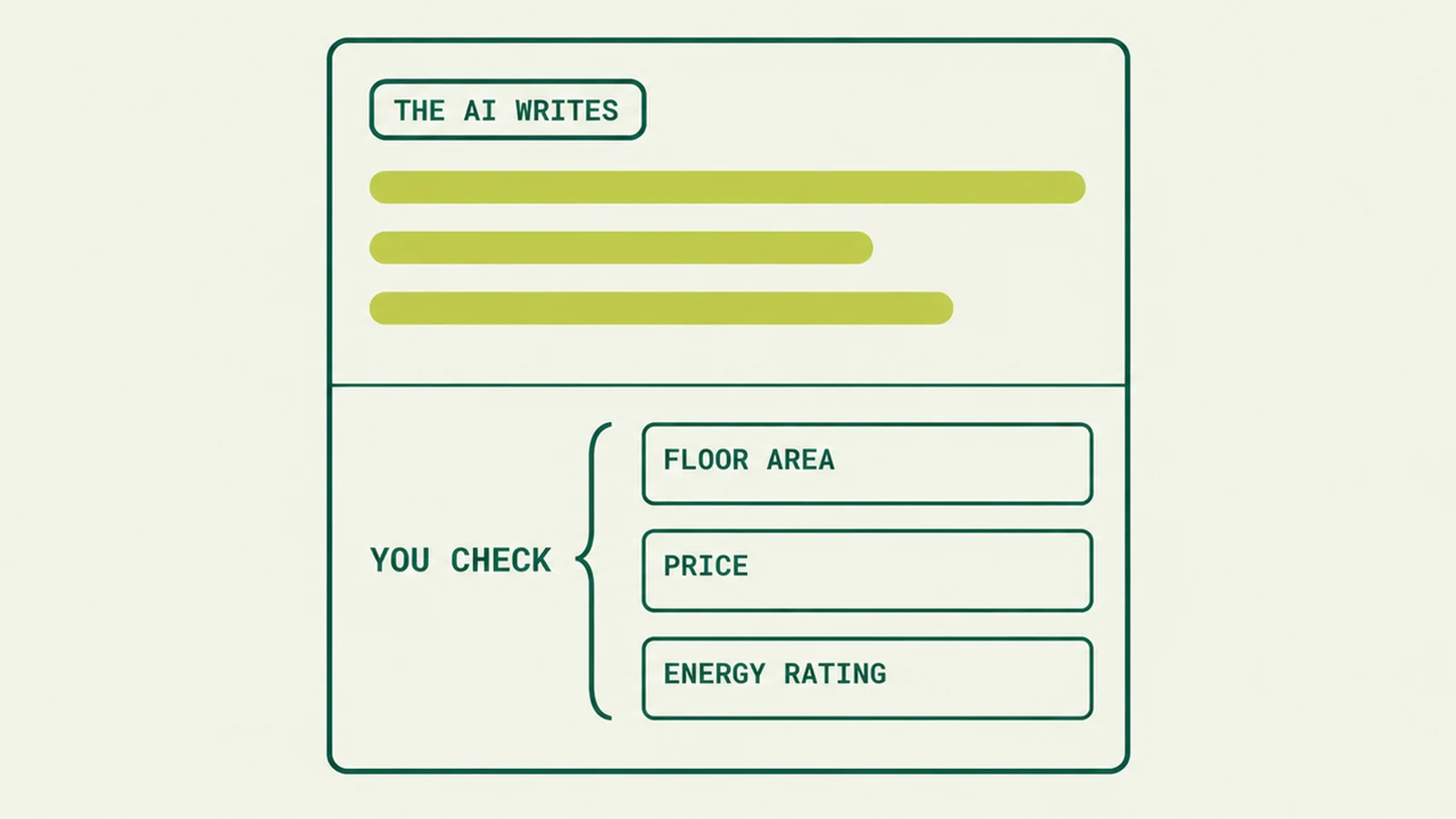
AI writes the listing. The floor area, the price and the energy rating are checked by the agent.
What is left, and it is plenty, a model can write: the order of the information, the tone, what the photos do not convey, what the neighbourhood is like on foot. That is where a viewing is won or lost, and that is where a tool genuinely saves you work.
What the AI does and what you supply
The line is simple: AI writes, you supply the facts. A language model does not know how big the flat is, and if you do not tell it, it will fill the gap with something that sounds reasonable. That is the root of nearly every problem we see.
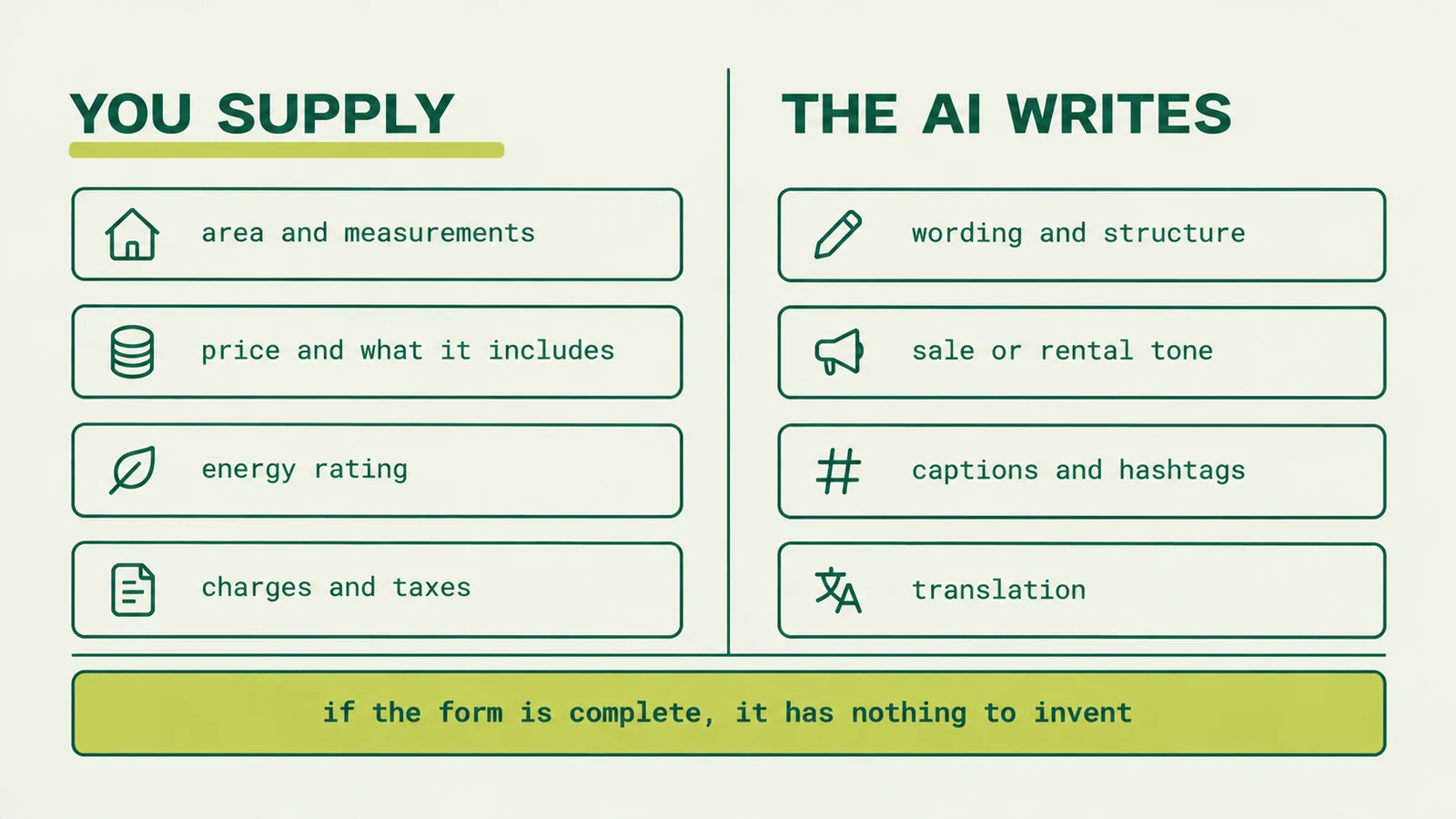
| Element | Who supplies it | Why |
|---|---|---|
| Area, price, year, floor | You | Verifiable facts, and buyers do verify them |
| Energy rating | You | Legally required in the advert |
| Service charges, taxes, encumbrances | You | An error here kills trust at the viewing |
| Wording and structure | The AI | It orders and paces the text faster and better |
| Tone for sale or rental | The AI | Shifts register without a rewrite |
| Social captions and hashtags | The AI | Adapts the same content to each format |
| Translation | The AI | Useful with overseas buyers |
One nuance worth understanding. The model cannot tell a fact you gave it from one it made up: both sentences look equally valid to it. So the control is not asking it to avoid lying. The control is leaving it no gaps. If the form is complete, it has nothing to invent.
An AI property listing step by step with SnapHouse
This is how the process runs with our tool, which is what an automated property listing looks like in practice: the data goes in once and every piece comes out. If you use another, the shape is the same.
- Fill in the form once. Location, price, features and photos. This is the step that decides the quality of everything downstream, so it is the one to take slowly.
- The AI writes. Out comes a three-paragraph professional description and the social caption with emojis, the energy rating and five hashtags localised to the property's city. The tone adapts to sale or rental.
- The formats are generated. PDF, image, carousel, Reel and Story with music, all branded with your agency's logo and colours.
- You publish piece by piece. Each format has its own button: post, carousel, Reel and Story. Nothing to download, no second app to open.
One detail that matters to us and is uncommon in this kind of software: SnapHouse runs on your computer, not in the cloud. Property photos and data never leave your machine. For a client portfolio full of personal data, that is not a bonus, it is the requirement.
On price, what snaphouse.dev listed when we checked on 22 October 2026: a permanent licence with installation included, plus a running cost that depends on usage, the OpenAI API per property generated and the publishing tool that pushes the content out. Check the figures on the page itself before deciding, because offers change.
Your checklist before publishing
Two minutes with this list prevents most of the trouble. We run it every time, whatever the tool:
- Does the floor area in the listing match the land registry or the title document?
- Is the price in the text the same as on the portal and in the PDF?
- Is the energy rating there, or the application in progress if it is not ready?
- Does the description mention something the photos do not show and you cannot confirm? Cut it.
- Are there adjectives promising something measurable, like "bright all day long"? Be specific or drop it.
- Are the hashtags and the city right? The wrong neighbourhood reads as carelessness.
- Do the PDF and the post say the same thing? If they contradict each other, the client keeps the worse version.
Point four is the one that trips people up most often. Models like to add plausible details nobody gave them: a renovated kitchen, a south-facing terrace, a generous garage. If you did not write it, delete it.
From the listing to the post and the Reel, on the same data
The real advantage of automating this is not writing faster. It is that everything comes from one place. When the PDF, the advert and the Reel are generated from a single form, they stop contradicting each other, and you stop correcting the price in four windows every time the owner drops it.
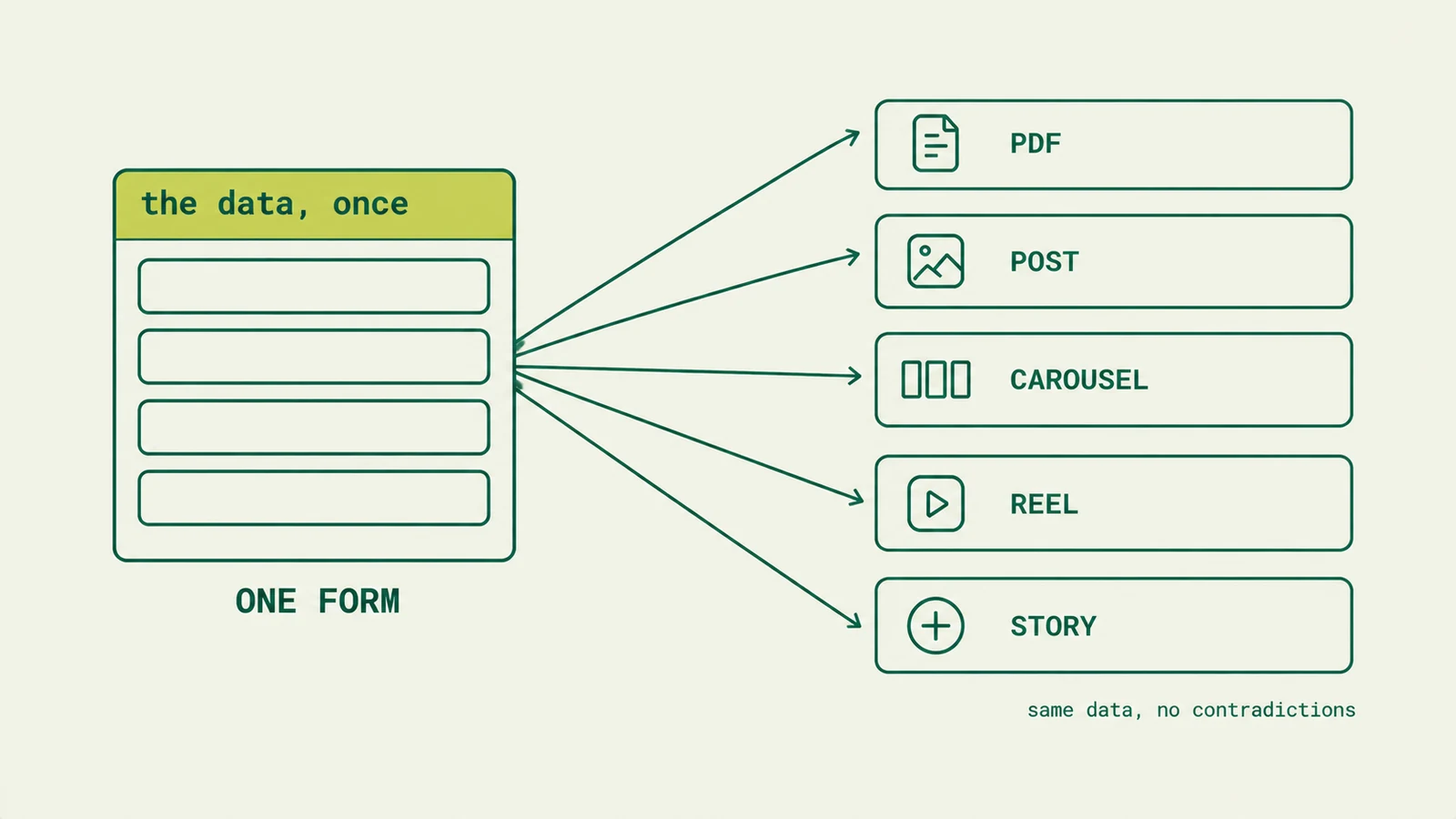
One listing, three formats: the PDF, the post and the Story come from the same data.
It also changes how you fix things. Spot an error and you correct it at the source and regenerate, instead of going piece by piece. And the branding stays identical across every property, which is what separates a cared-for account from one done in spare moments.
Do you have to label AI-generated content?
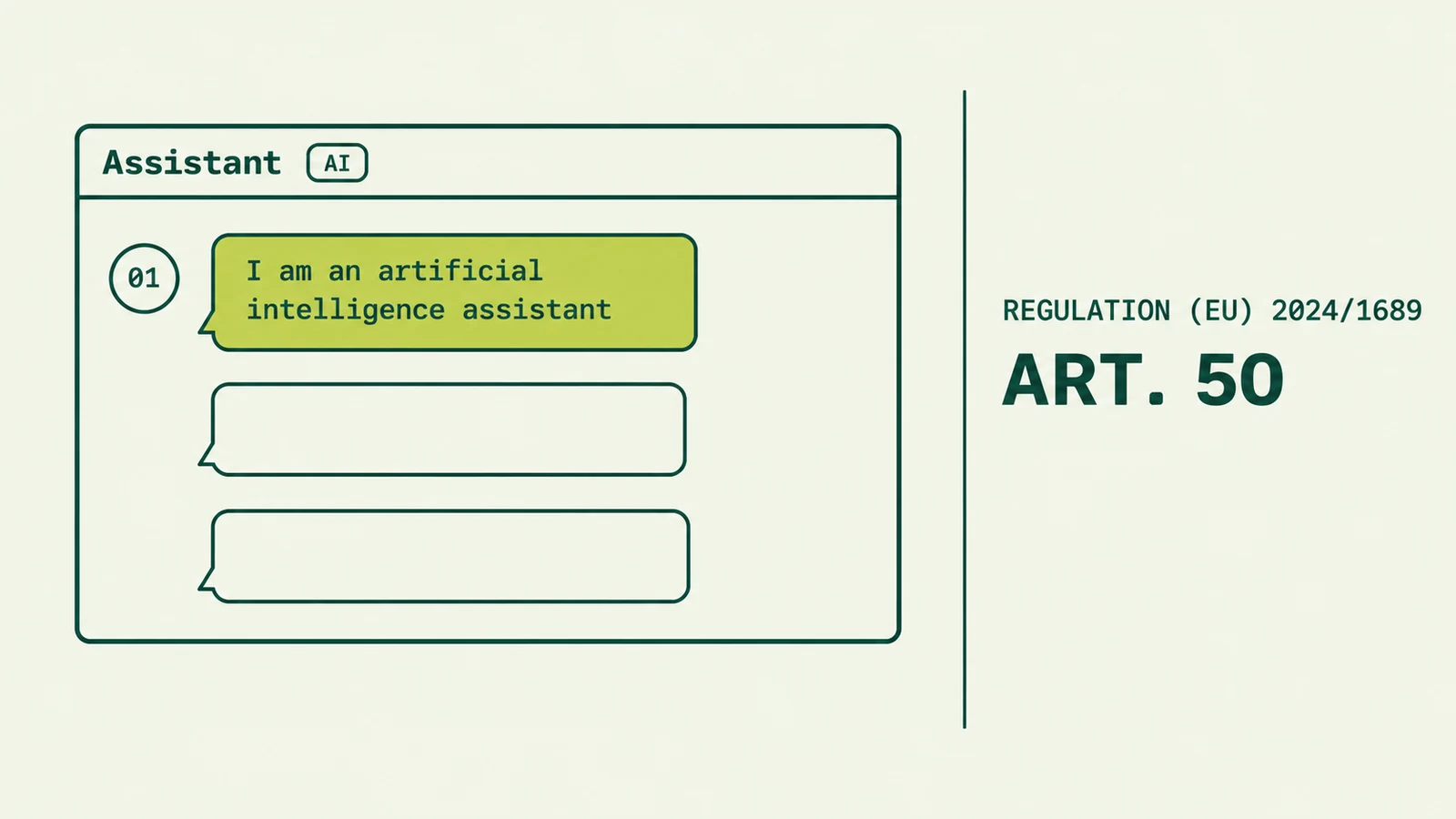
It depends which content. Article 50 of the EU AI Act, the one that already requires you to tell customers when a chatbot is answering them, also covers generated or manipulated content. And it draws a sharp line between two cases.
Text. The duty to label AI-generated text applies to text published to inform the public on matters of public interest. A property description is not that: it is a commercial message about a specific product. The rule also allows an exception where there is genuine human review and someone takes editorial responsibility, which is exactly what you are doing when you run the checklist above.
Images. This is where care is needed. The visible labelling duty targets images that could pass for genuine without being so. An illustration nobody would mistake for a photograph falls outside it; a photo of the living room with AI-placed furniture does not. If you use virtual staging, say so in the caption.
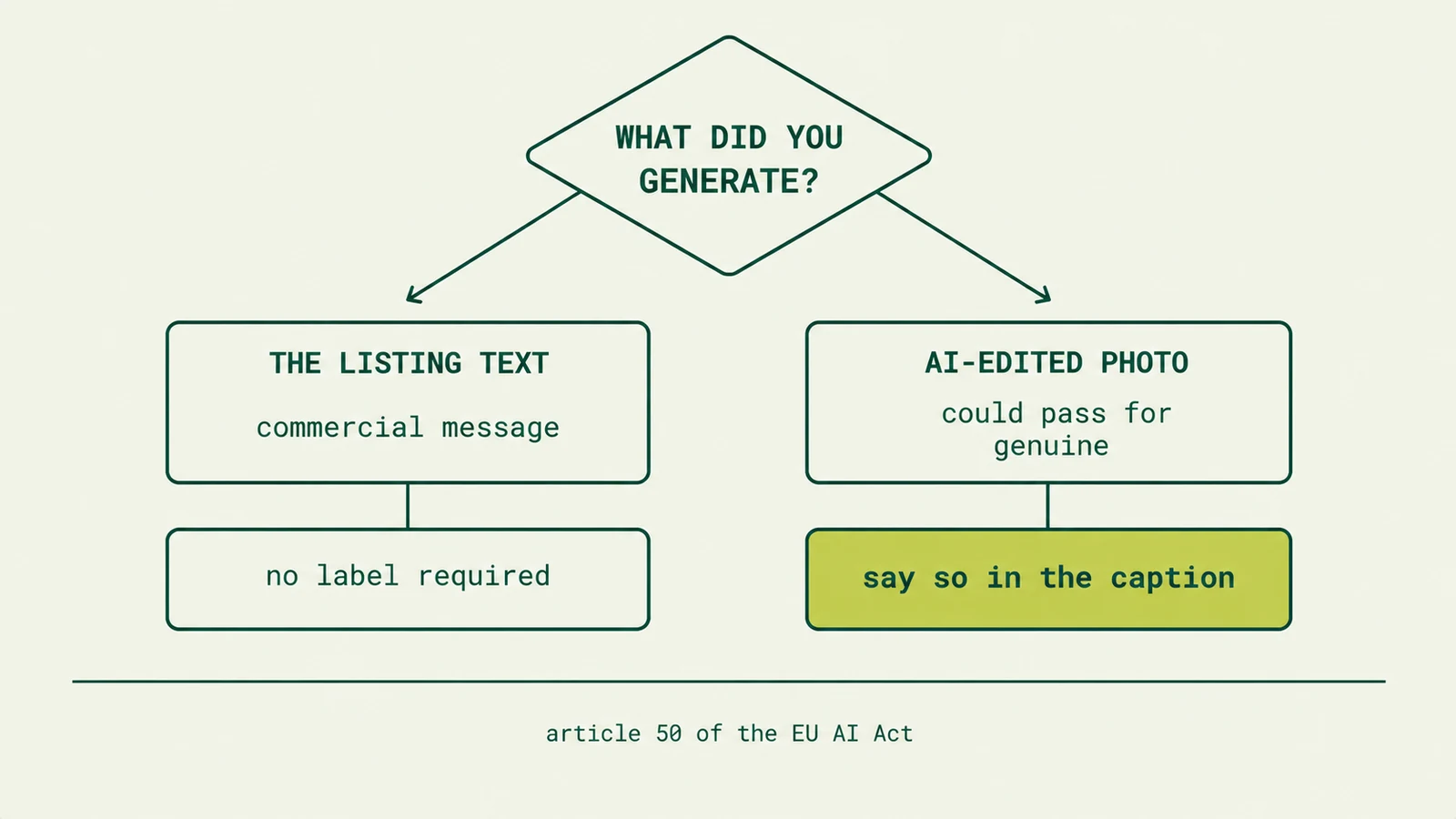
The application dates and the exact scope are still shifting, and the Commission published a code of practice to help with these paragraphs. If you are building the process this year, check the text in force before assuming anything.
Our view, beyond what the rule demands: when an image does not match what the buyer will find at the viewing, say so. Not because of a fine, but because the viewing happens anyway and the disappointment lands on your name.
In summary
An AI property listing description takes the writing, the captions and the format assembly off your plate, which is where the time goes. What it does not take off your plate is responsibility for the facts: area, price, charges and energy rating are still yours, and the law is explicit about the last one.
Build the process around a single source form, run the checklist before publishing, and you end up with a portfolio of consistent listings, no contradictions between the PDF and the advert, and no sentences promising what the property does not have.